

Miko Cloud and Connect
Connect AI accounts
Sign in to your own AI accounts on each machine, choose subscription or pay per use, and see which one pays.
Miko doesn’t sell AI usage. You sign in to your own account, and the provider bills you.
Add an account
Section titled “Add an account”-
Pick the AI
Open Accounts and press Add account. Under Which AI do you want to add?, pick one and press Continue.
-
Pick how you pay
How do you pay for …? lists the ways you can pay, such as your subscription or an API key. Pick the one you already use and press Continue. OpenRouter has one choice, an OpenRouter key.
-
Pick the machine
Pick the machine the account signs in on and press Continue. Only machines that are online and have that app ready can be picked.
-
Sign in, or paste the key
With a subscription or Anthropic Console, Miko opens the provider’s own page, for example Open claude.ai. Codex shows a code to use on Open chatgpt.com. For Claude, paste the code you get back and press Sign in. The code goes only to the app on that machine.
With an API key, Add an API key opens instead, with no provider page and no code. Fill in Account name and the key, then press Check and add account. The machine checks the key with a tiny paid request and keeps it there.
-
Finish
After a sign-in, the sheet says Pays with and how the account pays. Fill in Name, for example Personal or Work, and press Done, or New agent with … to start one right away.
After a key, the sheet says the account is ready. Choose it in New agent, then pick a model.
Which AI offers Codex, Claude and OpenRouter (OpenCode), plus Other API key. Each one is ready when one of your machines has it installed and turned on. Grok says Add it in the Miko app on a Mac, and Antigravity says Not on the web yet.
Claude · Claude Code
Claude Pro or Max: your subscription pays. Marked Recommended.
Anthropic Console: pay per use, billed by Anthropic.
Anthropic API key: paste a key. It stays on the machine you pick.
ChatGPT · Codex
ChatGPT Plus or Pro: your subscription pays. Marked Recommended.
OpenAI API key: paste a key. It stays on the machine you pick.
OpenRouter · OpenCode
OpenRouter key: paste a key. It stays on the machine you pick. An Anthropic key goes through Claude Code instead.
If ChatGPT or OpenRouter says “Codex isn’t on … yet” or “OpenCode isn’t on … yet”, you can’t use it on that machine yet.
API keys
Section titled “API keys”Press Add an API key and pick the machine that keeps the key. Then pick the provider, name the account and press Check and add account. The machine checks the key and returns its models. The list and the address each key goes to are in Agents, accounts and API keys.
Accounts on a Miko Cloud machine
Section titled “Accounts on a Miko Cloud machine”On a Miko Cloud machine, Settings › Logins keeps your sign-ins in one place. Claude, Codex, Grok and Antigravity sign in there with their own login. OpenCode takes an API key from Miko’s provider list, or a Custom endpoint (OpenAI-compatible). Only the accounts you connect to a machine reach it, and connecting uses your passkey.
Which account pays
Section titled “Which account pays”Where it shows
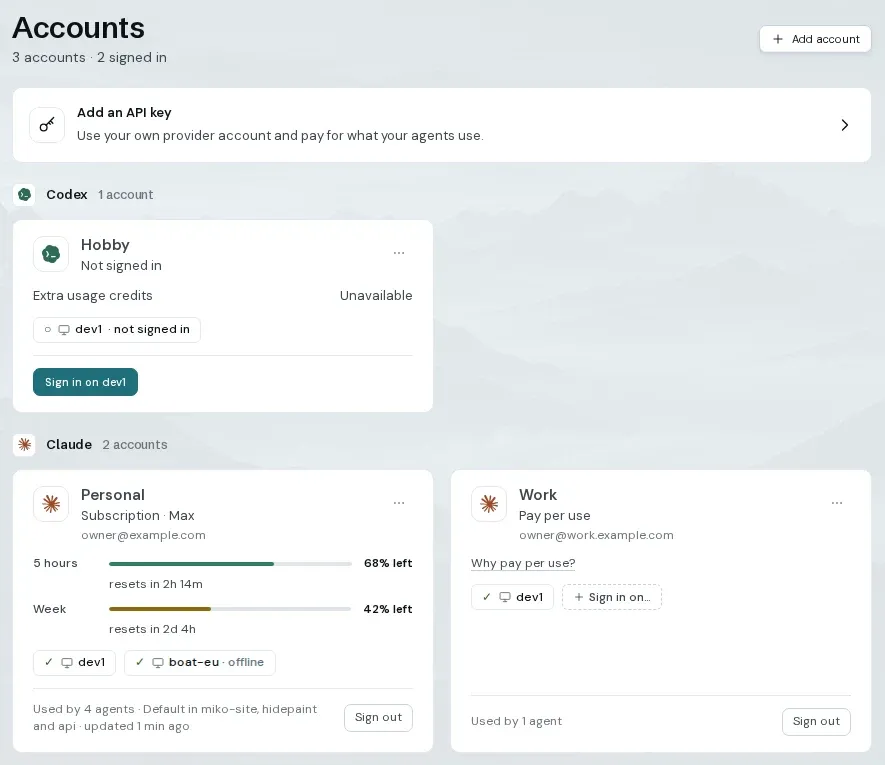
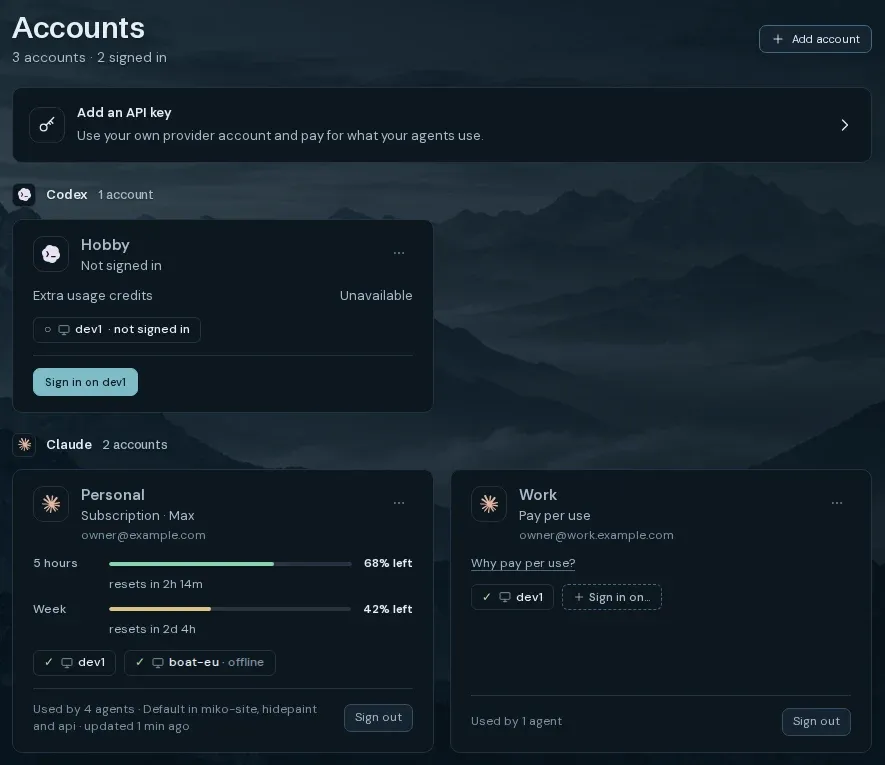
On the account’s card in Accounts, under the account in the sidebar, and in each agent’s header and Details.
Subscription
ChatGPT subscription · Plus or ChatGPT subscription · Pro for Codex.
Pay per use
API billing (Anthropic Console), API billing (OpenAI) or Pay as you go (OpenRouter).
Claude through a cloud provider shows Amazon Bedrock, Google Vertex AI or Microsoft Foundry.
Signed in
The app didn’t report how it pays. Miko never guesses.
Pays differently per machine
The same account pays differently on two of your machines.
Limits and more machines
Section titled “Limits and more machines”Wrong billing
If it isn’t what you picked, the sheet says, for example, “That’s pay per use, not your subscription.”
Press Sign out and try again and pick the other option, or Keep it.
A Claude account on Console billing says so on its card. To use your subscription, sign out, sign in again and pick your Claude account.
Usage
A Claude subscription shows 5 hours and Week bars with what’s left and when it resets.
Claude on Console billing points you to your Anthropic Console.
Codex usage shows in Codex. OpenRouter usage shows on your OpenRouter page.
Usage appears after the first agent runs.
More machines
An account signs in once on each machine. Sign-ins never move between machines.
Use Sign in on… on the account card to add another machine.
Sign out ends the sign-in on that machine.
Claude’s limit
The agent shows At Claude’s limit · resets …. Miko types nothing into Claude.
Codex and OpenRouter limits
The agent shows when it resumes, with Cancel.
About a minute after the reset, Miko types continue in the same conversation, on the same account.
If you type in that terminal first, Miko leaves it to you.
Turn it off with Continue Codex after its limit, or Continue OpenRouter after its limit, in the account’s ⋯ menu. It’s on by default.
Running agents
A running agent keeps its account. When Miko hands out new work, it skips accounts that are at their limit.